What is Play Rupees Game
Play Rupees Game is an Android-focused mobile app that combines different games, rewards, account settings and wallet tools under one account. Users install the APK, create an account with an active mobile number, sign in and choose from the games displayed inside the app.
Some activities involve deposited funds. Results and rewards are not guaranteed, so every user should check the rules, payment conditions and withdrawal requirements before taking part.
Play Rupees Game at a Glance
| Item | Details |
|---|---|
| App name | Play Rupees Game |
| Category | Mobile gaming |
| Main platform | Android |
| Installation file | APK |
| Internet connection | Required |
| Account access | Registration and login |
| Main sections | Games, profile, rewards, activities and wallet |
| Payment examples | JazzCash and Easypaisa when displayed |
| iPhone support | APK cannot be installed; browser access |
How Play Rupees Works
The app follows a straightforward account-based process:
- Visit the Play Rupees download guide and check the current APK information.
- Install the Android file after reviewing its source and requested permissions.
- Create a Play Rupees account with an active mobile number and a strong password.
- Use the same phone number and password on the login page.
- Open the game section, choose an available activity and read its rules.
- Check entry conditions, reward rules and wallet information before starting.
- Review the result and transaction history from the account dashboard.
What You Can Access Inside the App
Several Game Categories
Play Rupees places multiple game formats inside one application. The selection can cover card games, prediction activities, lottery-style games and arcade-style options. Each game has separate rules, controls, entry conditions and reward terms. Read the instructions shown for the selected game instead of assuming that every option works in the same way.
One Account Dashboard
The dashboard gives users a central place to open games and manage account features. Depending on the current version, it displays:
- Profile information
- Available games
- Account activity
- Rewards and offers
- Wallet balance
- Transaction history
- Notifications
- App settings
This structure prevents users from having to create a separate profile for every game.
Rewards and Daily Activities
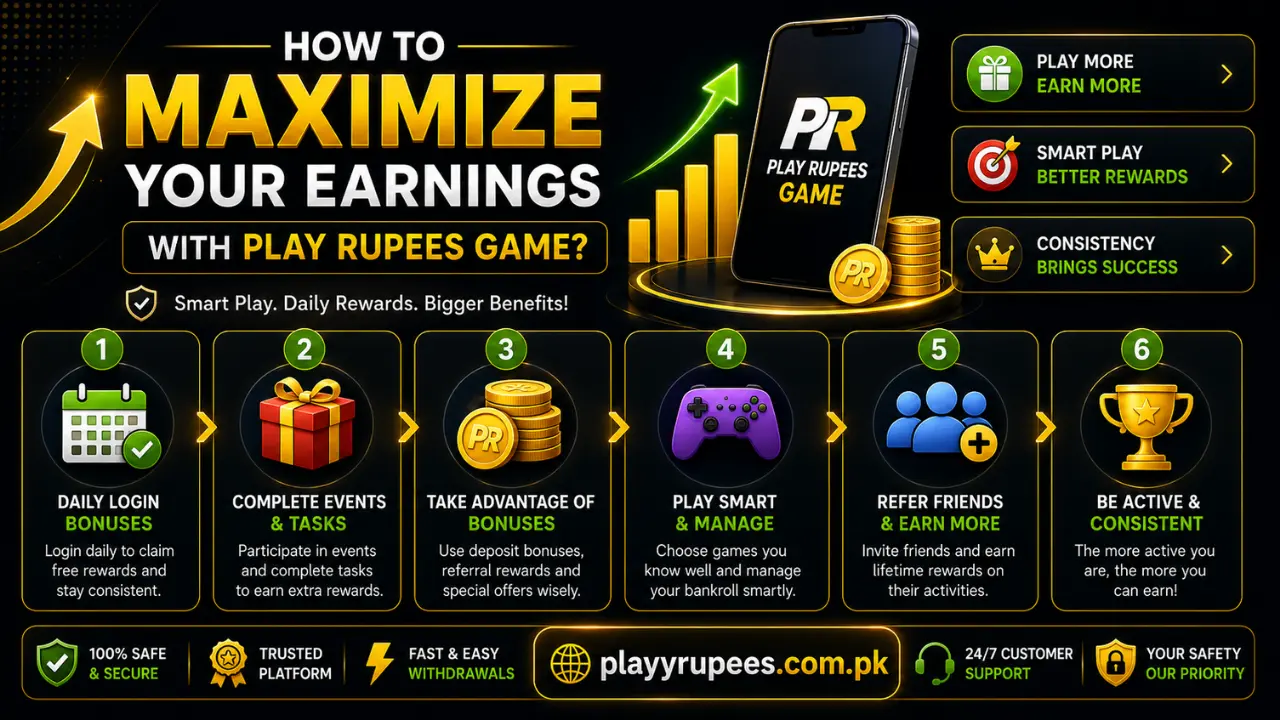
The rewards area can display daily check-ins, tasks, bonuses, special events and activity-based offers. An offer can have a starting date, ending date, minimum activity or claim condition. Read the full terms before using a bonus. A displayed reward is not automatically available for withdrawal.
Referral Features
When a referral option is active, the app provides a code or invitation link that users can share. A referred person must register through the correct code and complete the required activity before a reward is added.
Do not assume that registration alone activates a referral reward. Check the current referral rules, qualifying actions and release conditions inside the app.
Wallet and Transaction Records
The wallet section is used to view the available balance and open deposit or withdrawal options. Transaction records help users confirm whether a request is pending, completed or unsuccessful. Keep receipts, screenshots and transaction IDs until every payment request has been completed correctly.
Android APK and iPhone Access Are Different
The Play Rupees APK is an Android installation file. It works only on compatible Android phones and tablets; an APK cannot be installed normally on an iPhone or iPad.
Android users need:
- Enough free storage
- A stable internet connection
- A complete APK file
- Permission for the browser or file manager to install the file
- A compatible Android device
On newer Android versions, installation permission is normally given to the specific browser or file manager used to open the APK. The common path is:
Menu names differ between Samsung, Xiaomi, Oppo, Vivo, Realme, Tecno, Infinix and other phones. An iPhone user can check whether browser access is currently supported. If it is, Safari can sometimes create a Home Screen shortcut. This shortcut is not an Android installation and does not prove that a native iOS app exists.
How to Start Without Account Problems
Register with Details You Control
Use an active phone number that belongs to you. The number can be needed for login, verification and account recovery.
The registration process is:
- Install and open the app.
- Tap Register or Sign Up.
- Enter your active mobile number.
- Create a strong, unique password.
- Confirm the password if requested.
- Enter a referral code only when you have a valid one.
- Check every digit and character.
- Submit the form.
- Complete any verification shown on the screen.
A referral field can be optional. Do not enter a random code simply to fill it.
Log In with the Same Mobile Number
Existing users should enter the exact number used during registration. If you use several SIM cards, check that you have selected the correct one.
To log in:
- Open the app.
- Select Login.
- Enter your registered mobile number.
- Type your password.
- Check for spaces, missing characters and typing errors.
- Tap Login.
- Complete verification if requested.
Do not use Remember Me on a shared phone. If you forget the password, use Forgot Password instead of repeatedly guessing.
Deposits and Withdrawals Explained
Adding Balance
A deposit starts from the Wallet or Deposit section after login. The account can display JazzCash, Easypaisa or another supported method.
Follow the detailed Play Rupees deposit instructions and check these options before sending funds:
- Payment method
- Deposit amount
- Receiver name or number
- Any minimum limit
- Transaction reference
- Account instructions
After completing the payment, return to the app and check the wallet. Keep the payment receipt until the balance appears. If the deposit is missing, do not immediately send it again. Refresh the app, confirm that the wallet payment succeeded and compare the transaction ID with the information entered.
Requesting a Withdrawal
A withdrawal is submitted from the Wallet or Withdraw section. The withdrawal guide explains the complete process.
Before submitting a request, confirm:
- Available balance
- Minimum withdrawal requirement
- Selected payment method
- Account holder information
- Wallet or account number
- Fees or activity conditions
- Expected processing information
Processing time is not fixed. Check the status inside the app and keep the request ID. Never give anyone your password or verification code in return for faster processing.
Important Checks Before Using Paid Features
Complete these checks before adding funds or entering a paid activity:
| Check | Why It Matters |
|---|---|
| Read the game rules | Every activity can use different controls and result conditions |
| Review payment limits | Minimum amounts and account rules can change |
| Check bonus terms | Some credits require qualifying activity before use |
| Confirm receiver details | A wrong wallet number can delay or misdirect a payment |
| Use your own payment account | Matching account details can prevent verification problems |
| Set a spending limit | Deposited funds can be lost |
| Save transaction records | Receipts help when reporting a missing payment |
Is Play Rupees Safe to Use?
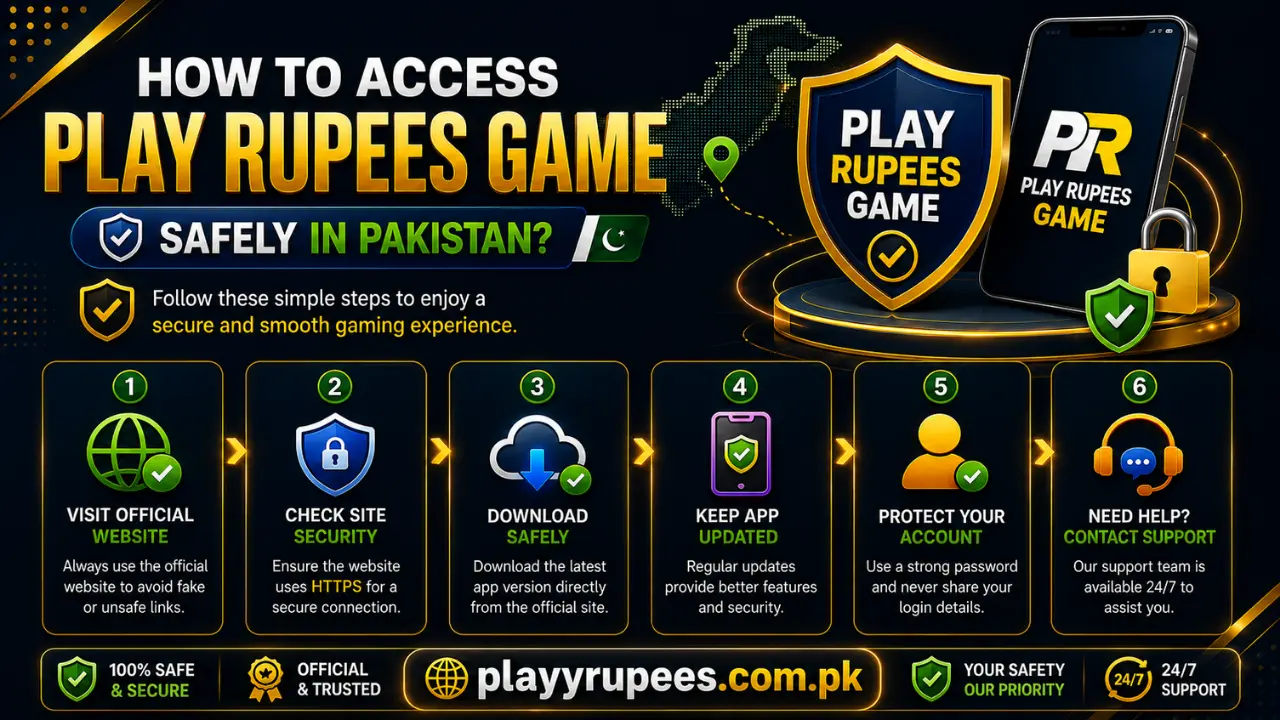
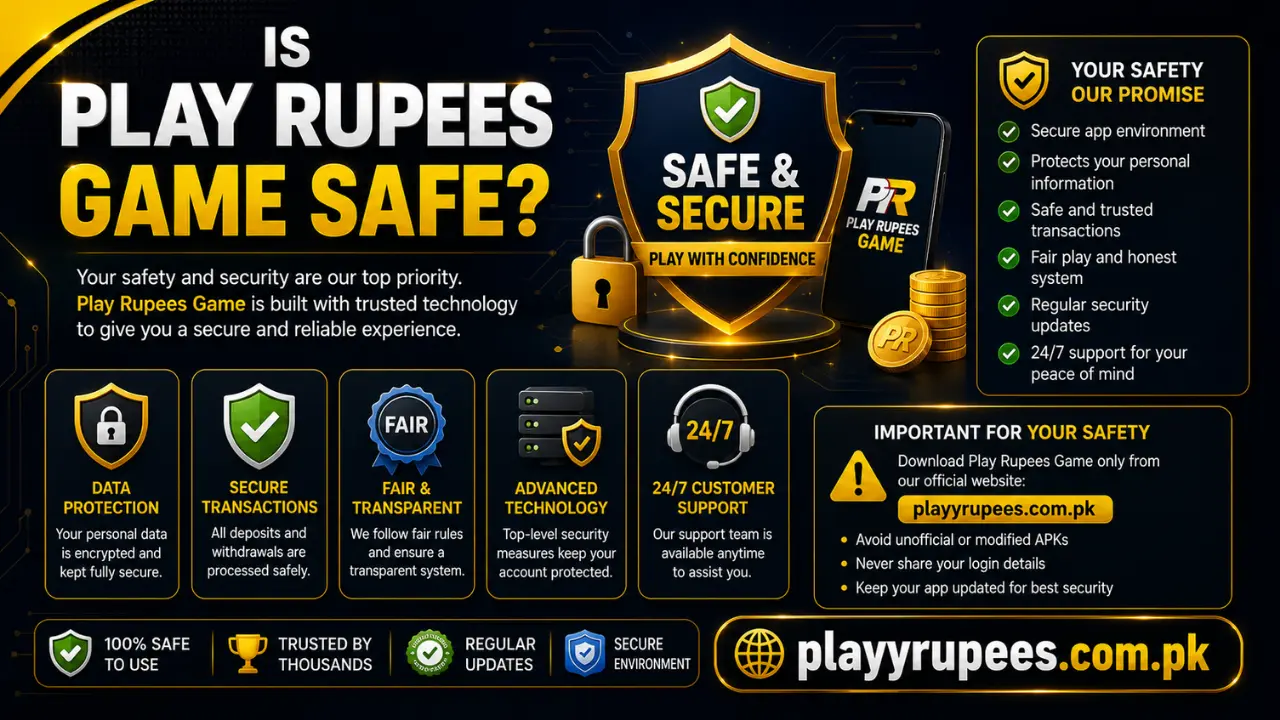
APK installation requires more care than installing an app through an official app store. No APK should be treated as safe only because its name or logo looks familiar.
Use these precautions:
- Download only from the official page.
- Avoid modified or “unlimited balance” APK files.
- Check that the downloaded file ends in .apk.
- Read every permission request before approving it.
- Use a password that is different from your banking and email passwords.
- Never share an OTP, password or recovery code.
- Keep Android security features enabled.
- Check payment information before confirming a transaction.
- Stop if a page opens several misleading download buttons.
Common Problems and Practical Fixes
| Problem | What to Check |
|---|---|
| APK does not download | Refresh the page, check the internet connection and try a normal browser |
| APK does not install | Check storage, file completeness, Android compatibility and installation permission |
| “App not installed” error | Look for an existing conflicting version and download a fresh APK |
| App opens and closes | Restart the phone, clear the app cache and check for an updated version |
| Login fails | Confirm the registered number, password, internet connection and capital letters |
| Account not found | Check every phone-number digit and confirm that registration was completed |
| Deposit is missing | Verify the payment result and transaction ID; do not send the payment twice |
| Withdrawal is delayed | Check request status, account details, rules and the transaction reference |
| Game does not load | Switch between Wi-Fi and mobile data and reopen the app |
| App runs slowly | Close unused apps, free storage and use a stable connection |
If the problem concerns the information published on this website, use the contact page. Account access, payment approval and wallet changes must be handled through the support options provided by the application.
Main Benefits and Limitations
| Benefits | Limitations |
|---|---|
| Multiple game formats under one account | Mainly designed for Android |
| Central dashboard for games, rewards and wallet tools | APK installation needs additional permission |
| Registration uses a mobile number and password | A working internet connection is required |
| Local wallet options can appear for Pakistani users | Payment methods differ by account and version |
| Transaction history helps users track requests | Rewards have rules and are not guaranteed |
| Browser access can provide an option for iPhone users | An Android APK cannot be installed on iOS |
| Daily activities and referral options can add variety | Paid activities involve a risk of losing funds |
Who Is Play Rupees Suitable For?
The app is designed for adults who understand Android APK installation, can protect their account information and are willing to read each game’s rules before participating.
It is not a suitable choice for anyone who:
- Expects guaranteed rewards
- Cannot afford to lose deposited funds
- Plans to use borrowed money
- Does not understand the payment conditions
- Wants to install a modified APK
- Is not legally permitted to use paid gaming services in their location
Users should also read the website terms and conditions before relying on its guides.
Final Overview
Play Rupees Game brings games, account controls, rewards and wallet tools together in an Android-focused app. Its basic journey is simple: download the APK, register with an active number, log in, read the game rules and use wallet features only after checking their conditions.
The most important step is not installation. It is understanding the current rules before using funds. Payment methods, bonuses, limits and processing details can change, and no result or reward is guaranteed.
Frequently Asked Questions
What is Play Rupees Game?
It is an Android-focused mobile gaming app with multiple games, account controls, rewards, activities and wallet options under one profile.
Is Play Rupees available on Android?
Yes. Android users can install the app through an APK when a compatible version is available.
Can the Play Rupees APK be installed on an iPhone?
No. APK files are made for Android. iPhone users can check whether browser access or a Home Screen shortcut is currently supported.
Is Play Rupees free to download?
The APK is presented as free to download. Paid activities, deposits or other account features are separate from downloading the file.
Do I need to deposit immediately after registration?
No. Registration creates the account. You can first review the dashboard, payment methods, withdrawal requirements and game rules.
Which payment methods does Play Rupees support?
JazzCash and Easypaisa are examples shown in the account guides. Use only the payment methods currently displayed inside your own account.
Is a referral code required?
A referral code is not required when its field is optional. If you use one, enter it correctly because changing it after registration might not be possible.
Are Play Rupees rewards guaranteed?
No. Rewards depend on the current rules, qualifying activities and account conditions. Deposited funds can also be lost.
Why is the app not installing?
Common causes are insufficient storage, a damaged download, blocked installation permission, an existing conflicting version or an unsupported Android device.
What should I do if my withdrawal is delayed?
Check its status, confirm the payment information, review the current withdrawal rules and keep the transaction ID. Use the application’s own support option if the request remains unresolved.