How to Access Play Rupees Game Safely in Pakistan (2026)
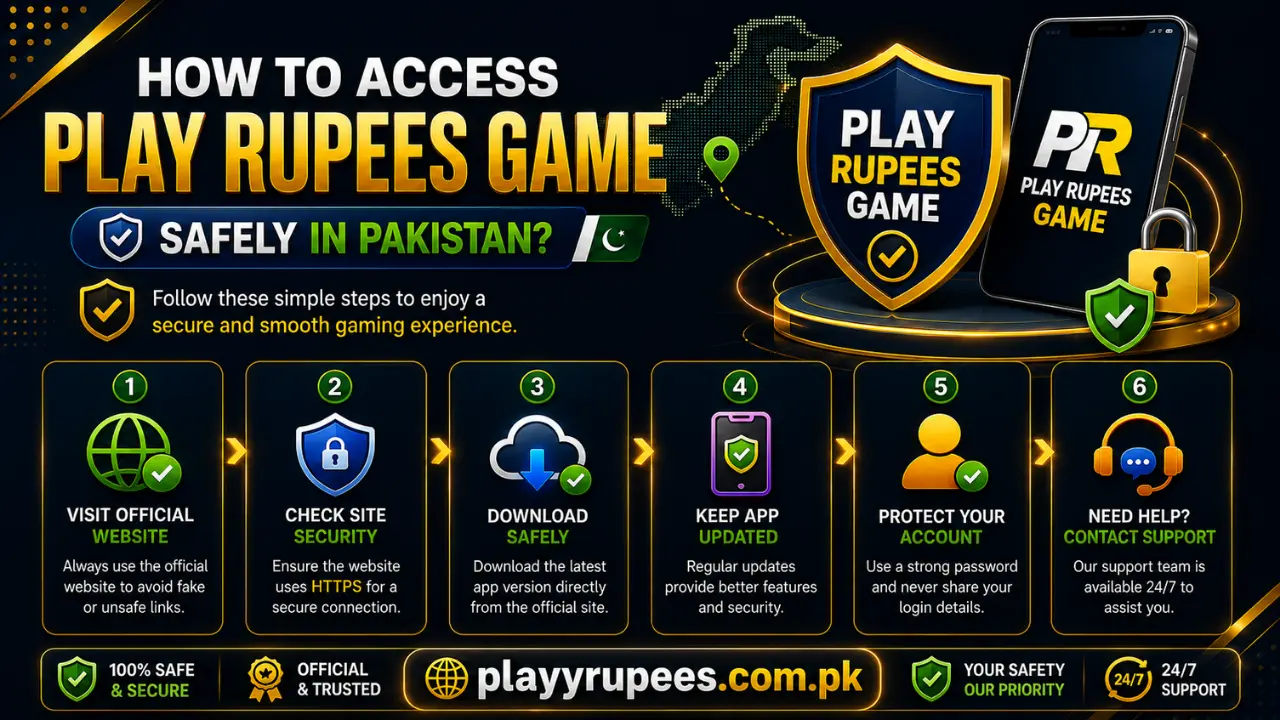
The safest way to access Play Rupees Game in 2026 is to start from the official website, download the APK from its dedicated page, scan the file before installation, and check every permission the app requests. Avoid APK files shared through messages, unknown social accounts, or websites with similar names.
Quick Safety Checklist
| Check | What to do |
|---|---|
| Website address | Confirm the domain is playyrupees.com.pk |
| Download source | Use the dedicated Play Rupees download page |
| APK scan | Scan the downloaded file with a trusted security tool |
| App permissions | Reject access that is not needed for the app to work |
| Account password | Create a strong password that you do not use elsewhere |
| Login page | Enter your details only inside the verified app or website |
| Updates | Return to the same download page for a newer version |
| Payment instructions | Check the deposit and withdrawal pages before sending funds |
Start From the Correct Website
Open playyrupees.com.pk by typing the address directly into your browser. Check the spelling before opening any page. A copied logo or familiar app name does not prove that a website is genuine. Similar-looking domains can distribute different APK files or show false login forms. Saving the correct homepage as a bookmark helps you avoid typing errors later. You can also check the About Us page if you want more information about the website before downloading anything.
How to Download Play Rupees Safely on Android
Use these steps instead of accepting a file from an unknown person:
- Open the Play Rupees website in your phone’s browser.
- Visit the Play Rupees download page.
- Read the information shown beside the download button.
- Tap the download button and wait for the APK file to finish downloading.
- Scan the complete APK file with a reputable security scanner.
- Open Android Settings and find Install unknown apps.
- Give temporary installation permission to the browser or file manager holding the APK.
- Tap the downloaded file and select Install.
- Open the app only after Android completes the installation.
- Turn off the Install unknown apps permission when finished.
The location of the installation setting depends on the phone brand and Android version. Use the Settings search box and search for Install unknown apps if you cannot find it. Do not continue if the downloaded filename looks unrelated, the scan shows a warning, or Android reports that the file is damaged.
Check the APK Before Installing It
A file is not safe simply because its name contains “Play Rupees.” Different websites can distribute different files under the same name. Before installation, check the following:
- The download came from the intended domain.
- The file downloaded completely.
- A security scan found no threat.
- The app name shown by Android matches the file you selected.
- The installation screen does not request unexpected access.
- You did not receive the APK through a private message or unknown group.
If the scan finds a problem, delete the file. Do not disable Android security tools to force the installation. Modified APK files need extra caution. A modified version can contain changed code, false login screens, or unwanted software. Use the file available through the website’s own download section.
Review App Permissions Carefully
Check each permission when you first open the app. A permission should have a clear connection to the feature you are using. Pay close attention if the app asks for:
- Microphone access
- Camera access
- Contacts
- Complete file storage
- Location
- SMS access
Do not approve every request automatically. Deny access if the app does not explain why it needs the permission. You can review granted access later under Settings > Apps > Play Rupees > Permissions. If the app stops working after you reject an unrelated permission, close it and contact support before sharing more access.
Create an Account Without Exposing Your Details
Use the Play Rupees registration page when creating a new account. The basic process is:
- Open the app or registration page.
- Select Register or Sign Up.
- Enter the requested account information.
- Provide an active mobile number when requested.
- Create a strong password.
- Complete verification if it appears on the screen.
- Review the entered information before submitting the form.
Use a password made from letters, numbers, and symbols. Do not reuse the password from your email, mobile wallet, or social account. Never send your password or verification code to someone claiming that they need it to activate your account. These details are meant for the login or verification screen only.
Log In Through the Correct Screen
Existing users can follow the instructions on the Play Rupees login page. To access your account:
- Open the installed app or verified login page.
- Enter the mobile number used during registration.
- Type your password.
- Check both entries for typing mistakes.
- Tap Login.
- Use Forgot Password if you cannot remember the password.
Do not enter your login details on a page opened from an unexpected text message, advertisement, or social media comment. Return to your saved website address and open the login section from there. Avoid saving the password on a shared phone. If you use someone else’s device, log out when finished and remove any saved login information.
Protect Deposits and Withdrawals
Account safety also matters when using payment features. Read the current deposit instructions before starting a transaction and use only the details displayed through the verified platform. For a withdrawal, follow the steps on the withdrawal page and check the account information before confirming the request. Use these precautions:
- Do not send funds to a personal account shared in a comment or private message.
- Check the recipient details before confirming a deposit.
- Keep the transaction receipt or reference number.
- Do not share wallet PINs, passwords, or verification codes.
- Confirm any fee, minimum amount, or processing rule shown on the current page.
- Contact support if the payment instructions change unexpectedly.
Do not assume that an old screenshot still contains valid payment details. Check the live instructions each time.
Read the Rules Before Using the App
Review the Terms and Conditions to understand the account rules and restrictions. The Privacy Policy is relevant when deciding what personal information to provide. You should also read the Disclaimer before using reward or payment features. Treat the app as entertainment and do not assume that rewards or transaction results are guaranteed.
Common Access Problems and Safe Fixes
The APK Will Not Install
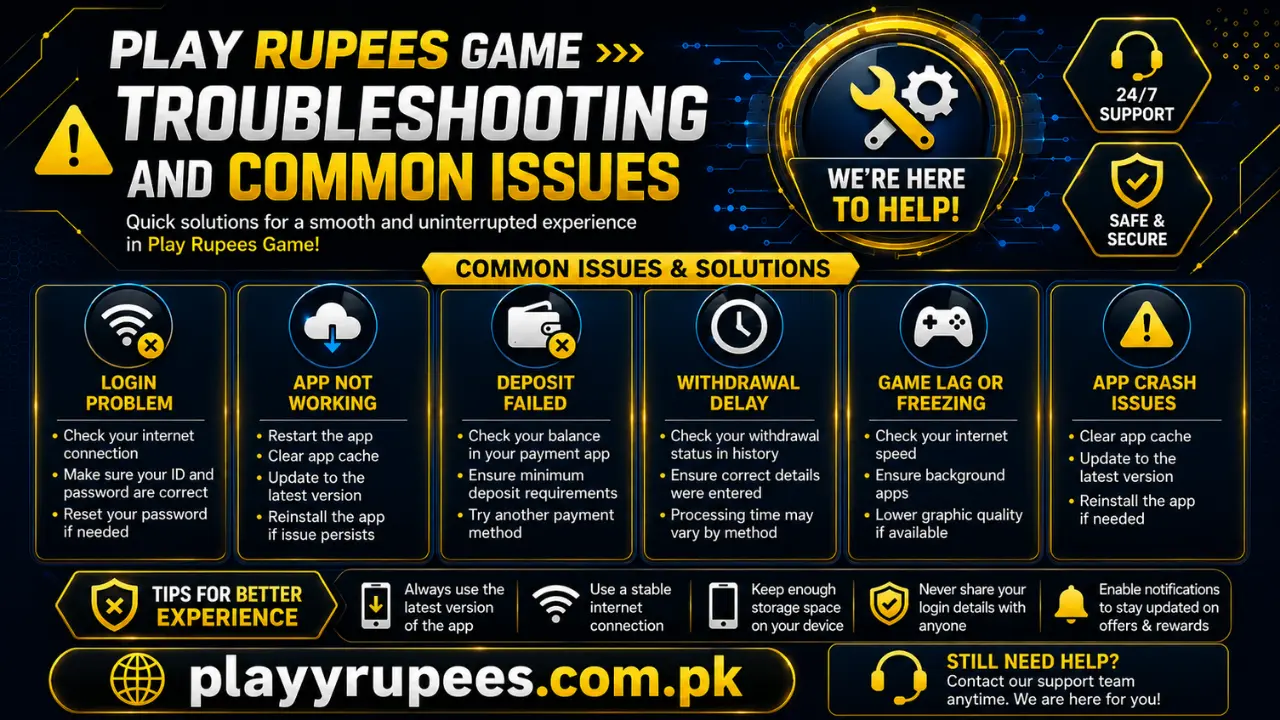
First, confirm that the download finished completely. Delete an incomplete file and download it again from the dedicated page. Next, check whether Install unknown apps is enabled for the browser or file manager holding the APK. Give access only to that app, complete the installation, and disable the permission afterward. Do not download random “fixed” or “unlocked” versions to solve the problem.
Android Shows a Security Warning
Stop the installation and scan the file. Check that it came from the intended download page. Do not ignore the warning simply to finish installing. Delete the file if the scanner detects a threat or if the download source cannot be confirmed.
The Mobile Number or Password Is Rejected
Make sure you entered the same mobile number used when registering. Remove accidental spaces and check the password carefully. Use Forgot Password instead of repeatedly guessing. Only enter a reset code on the verified screen.
The App Requests Unrelated Permissions
Deny the permission and check the app’s permission settings. Camera, microphone, contacts, SMS, location, and full storage access should not be approved without a clear reason. If the app insists on unnecessary access, stop using it and request help through the contact page.
A Link Opens a Different Domain
Close the page without entering personal details. Type playyrupees.com.pk directly into the address bar or use your saved bookmark. If you already entered a password on the wrong page, change it through the correct platform immediately. Change it on other accounts as well if you reused the same password.
The App Stops Working After an Update
Do not install an older APK from an unknown archive. Return to the download section and check the available file. If the current file still does not work, contact the website instead of testing APKs from unrelated sources.
When You Should Stop
Do not continue if:
- The website address is misspelled.
- The APK came from an unknown message or group.
- A security scanner detects a threat.
- The app asks for unrelated sensitive permissions.
- Someone requests your password, PIN, or verification code.
- Payment details are provided only through a private chat.
- Android reports that the APK is damaged.
- You are told to disable all phone security features.
Stopping at a warning is safer than forcing the app to install or giving away account details.
FAQs
Is the Play Rupees APK completely safe?
Safety cannot be confirmed from the filename alone. Download it from the official page, scan the complete APK, and review its permissions before installing it.
Can I use Play Rupees on Android in 2026?
The supplied access process is for Android APK installation. Your phone must allow installation from the browser or file manager used to download the file.
Why does Android ask for installation permission?
Android requires special permission when an APK is installed outside its normal app store process. Enable Install unknown apps only for the required browser or file manager, then disable it after installation.
Where should I get a new version?
Return to the same download page instead of using files shared through messages, groups, or unrelated websites.
What should I do if I forget my password?
Open the verified login screen and select Forgot Password. Follow the reset instructions and never share the verification code with another person.
Should I allow access to my microphone or full storage?
Only approve a permission when the app gives a clear reason connected to a feature you are using. Deny unrelated access and review permissions through Android Settings.
How do I report a suspicious link or payment request?
Take a screenshot without exposing your password or verification code, then report the issue through the website’s contact section.